Twitter / X Mockup Generator
Create beautiful, high-converting screenshots for your next Tweet. Add macOS frames, gradients, and shadows instantly.
Drag & drop image or Browse
Scroll to zoom, drag to pan
How to create a Twitter / X mockup
Three simple steps. Zero data leaves your device.
1. Upload Screenshot
Paste or drop your raw image. Code snippets, app UI, or websites work perfectly.
2. Add Magic
Apply the macOS frame, adjust the padding, and select a stunning gradient background.
3. Export High-Res
Click download to instantly generate a crisp, transparent PNG for Twitter / X.
The visual difference
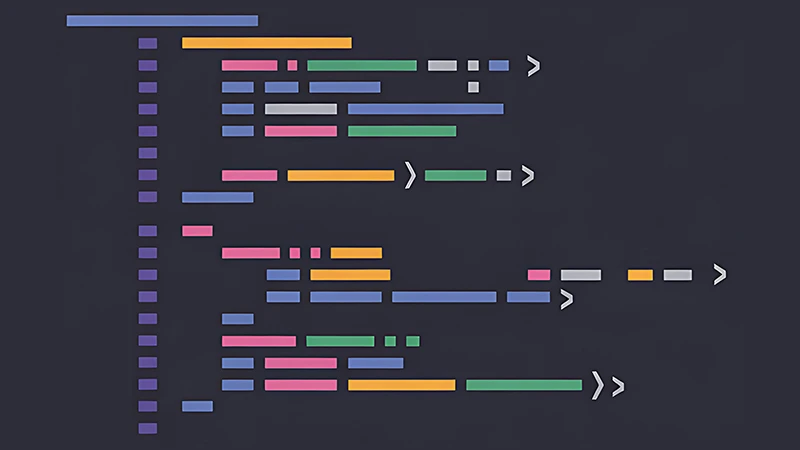
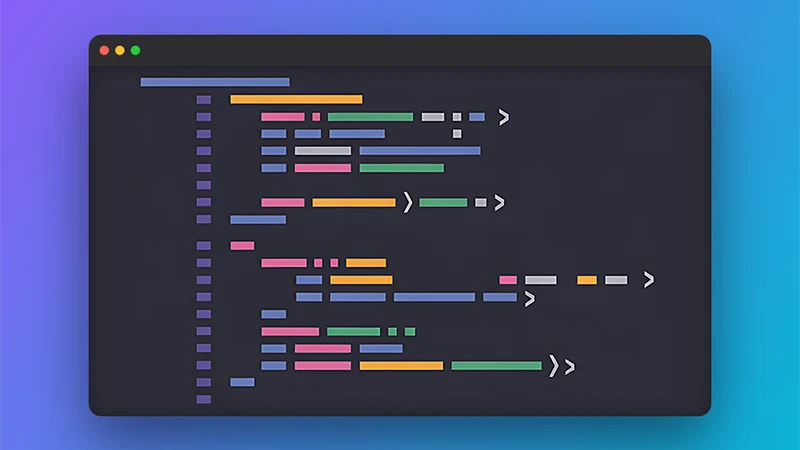
Platform Design Specs
| Platform | Ideal Aspect Ratio | Best Practices |
|---|---|---|
| Twitter / X | 16:9 or 4:3 | Use high contrast gradients to stop the scroll. |
| Square or 4:5 | Professional, subtle blue/gray backgrounds work best. | |
| Product Hunt | 1274 x 720 (16:9) | Keep padding low to maximize UI readability on launch day. |
| SaaS Landing Pages | 16:9 Desktop | Transparent PNG exports blend perfectly into website CSS. |
Mastering Visuals for Twitter / X: The Ultimate Guide to viral engagement
In the modern digital landscape, the visual presentation of your software, code, or design is just as critical as the product itself. When users scroll through Twitter / X, they make subconscious judgments about your brand's quality within milliseconds. A raw, unedited screenshot signals low effort. By wrapping your images in a beautiful macOS or iOS frame with a carefully calculated gradient background, you instantly elevate your perceived value. For a successful Tweet on Twitter / X, this attention to detail directly translates to higher viral engagement.
Why Raw Screenshots Fail on Twitter / X
Raw screenshots lack depth, context, and focal points. When you upload a standard screen grab to Twitter / X, it blends into the platform's native white or dark background, losing its edge. By utilizing a mockup generator, you introduce visual separation. The added background gradient and soft drop shadow create a "glassmorphism" effect that pulls the user's eye directly to your interface.
The Science of Padding and Drop Shadows
Whitespace (or padding) is a fundamental principle of premium UI/UX design. When creating a mockup for Twitter / X, aiming for a balanced amount of padding lets the central interface breathe. Our tool automatically calculates the optimal visual weight around your screenshot. Paired with a diffused drop shadow (typically 40-60% opacity with a high blur radius), your app interface will visually "pop" off the screen. This technique mimics physical depth, which human psychology associates with premium, tactile products.
Ideal Dimensions & Aspect Ratios (16:9 or 4:3)
Every platform has its own algorithmic crop rules. Before you export your PNG, remember that Twitter / X prefers a specific aspect ratio—ideally 16:9 or 4:3. If you ignore this, Twitter / X will automatically crop your image, potentially cutting off crucial UI elements or text.
Use the dynamic padding sliders in our tool to widen or heighten the canvas until it matches the required dimensions. For maximum crispness, especially on Retina, 4K, and OLED mobile displays, NovusTools exports your mockups at 2x or 3x pixel density by default, ensuring your text and icons remain razor-sharp.
Color Psychology & Gradient Selection
The background color you choose sets the emotional tone for your Tweet.
- Aurora Purples & Pinks: Ideal for Web3, AI tools, and creative SaaS products. Signals innovation and the future.
- Ocean Blues: Perfect for B2B dashboards, fintech, and developer tools. Signals trust, stability, and security.
- Warm Oranges/Yellows: Great for consumer apps and social media posts aiming to generate excitement and high energy.
- Transparent (PNG): Essential if you are embedding the mockup directly into a website hero section where the CSS background should show through.
100% Client-Side Privacy
Unlike cloud-based design tools that force you to upload your files to their servers, our Twitter / X mockup generator operates entirely within your browser. Utilizing native HTML5 Canvas APIs, your proprietary code, unreleased SaaS dashboards, or sensitive client data never leave your local machine.