Mastering the TikTok, Reels & Shorts Safe Zone in 2026
In the highly competitive world of short-form content, formatting is just as important as the video itself. If you are aiming for viral reach, failing to respect the TikTok, Reels & Shorts safe zone can severely hurt your performance. Native UI elements—like profile icons and bottom captions—will cover your hardcoded subtitles or visual hooks if you aren't careful.
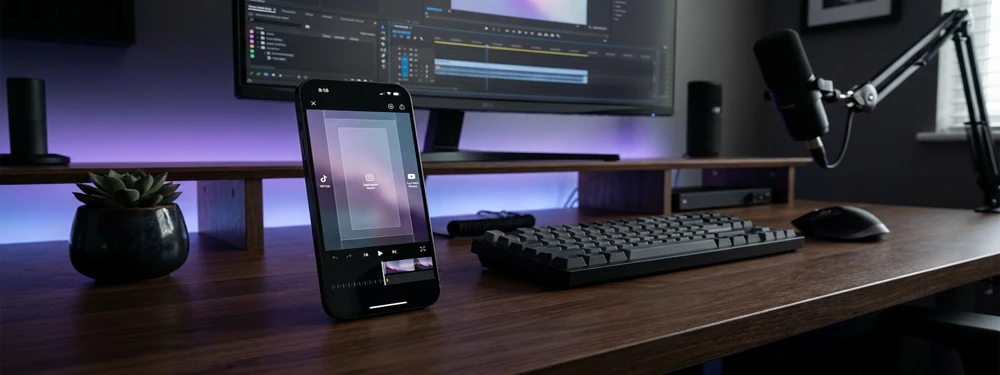
Algorithm & Retention Mechanics
For TikTok, Reels & Shorts, maintaining visual clarity within the safe margins ensures that your viral reach remains uninterrupted across diverse mobile screen sizes and aspect ratios.
How To Use The TikTok, Reels & Shorts Previewer
- Upload your 1080x1920 video frame directly from your device.
- Select the appropriate platform mask to simulate the UI.
- Enable the "Subtitle Safe Area" overlay.
- Type in the "Live Text Test" to check if your hook is blocked by profile icons and bottom captions.
- Adjust your text placement in your editor before exporting.
Who Is This Tool For?
This previewer is an essential part of the pre-publishing workflow for:
Unlike static PNG templates, this previewer simulates live platform UI overlays directly inside your browser for instant feedback.
The Exact Dimensions for TikTok, Reels & Shorts
The standard resolution is 1080 pixels wide by 1920 pixels tall. However, the Safe Zone—the area where your content is 100% visible—is significantly smaller. You generally lose the bottom 20-25% to captions and the right 15% to interaction buttons.
| Specification | Measurement |
|---|---|
| Aspect Ratio | 9:16 |
| Resolution | 1080 x 1920 px |
| Center Safe Area | ~ 800 x 1300 px |
Best Subtitle Placement for TikTok, Reels & Shorts
Hardcoded subtitles are crucial for engagement, as over 70% of users scroll with sound off. Never place them at the very bottom. Use our previewer's "Subtitle Safe Area" toggle to find the absolute center-lower quadrant, ensuring readability against profile icons and bottom captions.
Comprehensive Platform Guides
Master the algorithm. Learn exact dimensions, best practices, and download free safe area templates for your favorite platform.
TikTok Safe Zone Guide
Avoid hidden captions and cropped hooks. Learn the exact dimensions and UI overlap areas.
Read Guide →Instagram Reels Dimensions
Stop your text from being cut off. Discover the perfect subtitle placement for IG Reels.
Read Guide →YouTube Shorts Overlays
Navigate the rigid bottom timeline scrubber and subscribe button with our templates.
Read Guide →Download Free Safe Zone Overlays
Prefer editing in Premiere Pro, Final Cut, or CapCut? Download our transparent PNG overlay files to use directly in your timeline.